Blog
From Chaos to System: How to map (and automate) your startup's processes
Before delegating to software or Artificial Intelligence, you need to put things in order. A practical guide for founders: how to analyze workflows, streamline operations, and free up your team's time without losing the human touch.

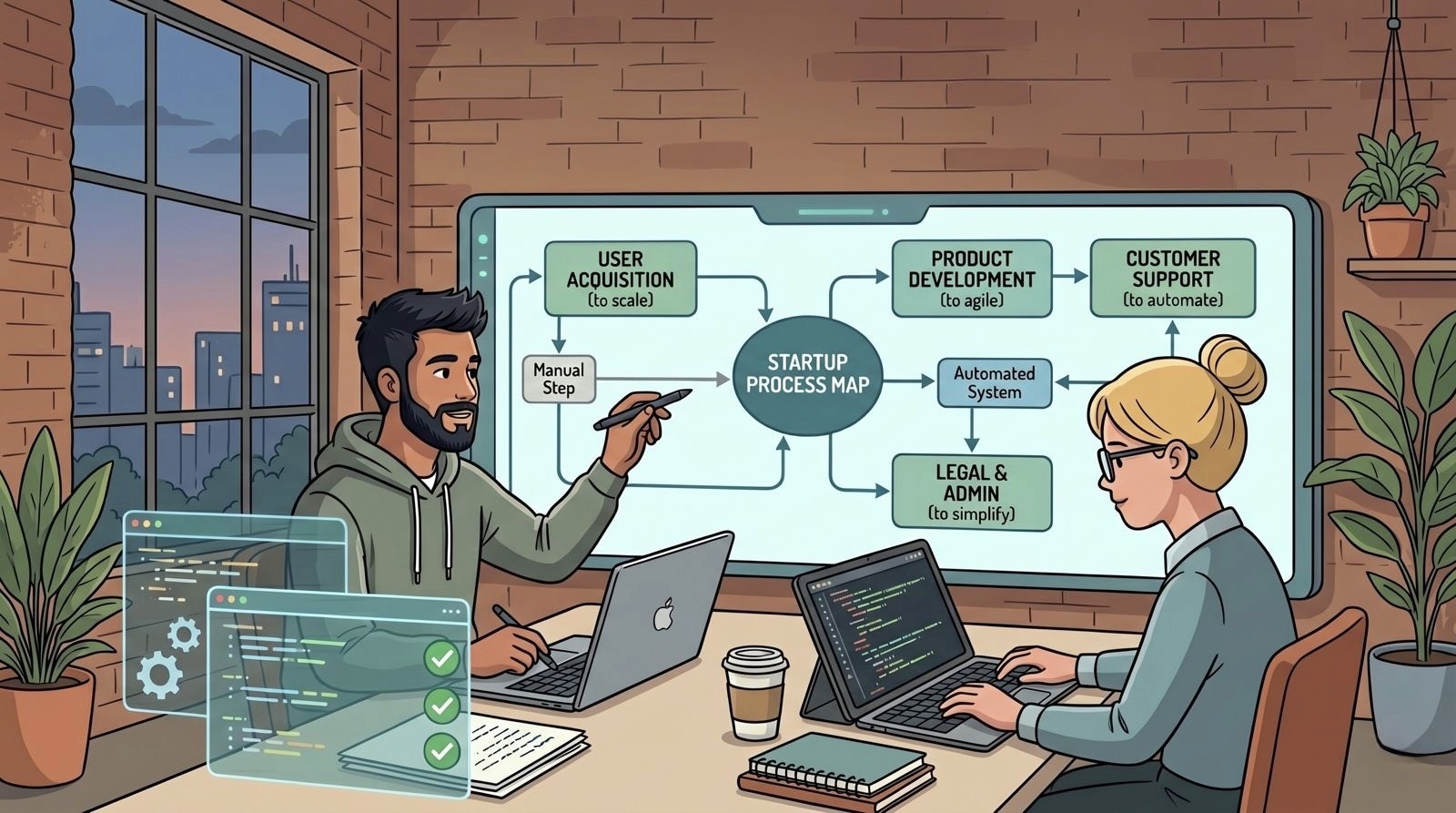
In a previous article, we debunked one of the most common myths in the startup world: the idea that automation is a luxury to be postponed to "when we are more structured." We explained why the right time to start is sooner than you think, precisely to protect your most valuable resource: time.
But saying "do it now" is not enough. When moving from theory to operational practice, the question that haunts every founder becomes: how do you actually do it, concretely, without doing damage?
We know there is an exact moment in a company's growth when daily management starts to get out of hand. Customers increase, the team grows, and those dynamics that used to be resolved verbally in the office or with a quick message on Slack or Teams end up turning into a maze of lost emails and operational fog.
Instinct, at that point, pushes you to look for a shortcut: "Let's buy a software and automate everything!"
Better stop for a moment. Automating a chaotic process very often means making the chaos travel at a faster speed. Before introducing a new tool or delegating to Artificial Intelligence, it is essential to understand exactly what is happening behind the scenes. Only in this way can you map the processes that absorb the most energy.
We are not talking about adding boring corporate bureaucracy, but about ensuring real operational survival.
Here is how we believe it is important to tackle this step in practice, always keeping the focus on people.
1. Mapping: Where do we start operationally?
Mapping a process does not require drafting an endless manual. Often a whiteboard, physical or digital, is enough to visualize the path of an activity from point A to point B. The secret is to ask yourself key questions for every single operation:
What is the Trigger?
Who does what and with which tool?
How much time is spent on that activity?
What is the expected output?
A practical example: Customer Onboarding
Instead of having a team chasing each other to figure out if a client has paid or who should send the materials, it is much more useful to draw the flow on visual and accessible tools, like the famous Miro or Excalidraw.
Phase 1 (Manual Reconnaissance): By drawing the steps with digital post-its, "grey areas" will immediately emerge, i.e., those steps that exist only in custom or in the memory of a single team member.
Phase 2 (Simplification): Before automating, it is wise to streamline. Do you really need to use three different tools to exchange a document? Perhaps moving to a shared space on Notion or Trello is enough.
Phase 3 (Basic Automation): Once the flow is cleaned up, you can introduce no-code tools with free or accessible plans like Make (of which we at Startup Bakery are Official Partners) or n8n.
The result: When the quote is digitally signed, Make automatically creates the customer's folder on Google Drive, opens a task on Notion for the technical team, and sends a message on Slack or Teams to notify everyone of the new contract. No more manual steps or copy-pasting.
2. Beyond Texts: Using AI to Structure Operational Thinking
Artificial Intelligence is not just a tool for generating texts or images, but it can prove to be an excellent ally for structuring operational thinking. If there is uncertainty about where to start mapping, platforms like ChatGPT, Claude, or Gemini can act as true consultants. You can try a prompt like this:
"I am the founder of a B2B startup. I need to map the handover process between the Sales team (who closed the contract) and the Operations team (who must deliver the service). What are the fundamental steps I cannot forget? Create an operational checklist for me."
The AI will provide a logical starting base, helping to overcome blank page syndrome. Furthermore, it is possible to integrate AI directly into the flows to manage unstructured data. An interesting use case is having the AI read the scattered notes from a sales call, asking it to automatically and neatly fill out the customer profile on the CRM.
This is an approach we strongly believe in: even in our operational process at Startup Bakery, we use AI daily, relying on a team of agents to best manage and scale these organizational aspects.
3. The Human Factor: Automation Does Not Replace Dialogue
One of the most common missteps for company leaders is imposing automation from the top down without adequately involving the team.
If processes rely on software, companies are built on people. When you decide to map a flow, it is counterproductive to do it isolated in an office. It becomes essential to sit next to those who manage the daily operations.
Asking questions like: "In which phase do you feel you waste the most time?" or "What is the manual task you find most frustrating?" completely changes the perspective.
Often, employees look at automation or AI with a certain suspicion, fearing it might threaten their role. The task of a good leader is to change this narrative. Automating the transfer of data from a form to an Excel sheet is not meant to replace the person doing it, but to free up their time. This way, people can focus on what a machine cannot replicate: nurturing customer relationships, solving complex problems, and bringing creative thinking.
Always remember that the time factor and ROI (Return on Investment) apply to automations too. Not everything has to go through software:
Keep manual: what happens rarely or requires a strong human and personalized touch.
Automate: what is repetitive, drains the team's energy, takes away hours a week, and causes trivial bottlenecks.
Automation is not the cure for chaos, but the amplifier of a healthy system. Tidy up with your team, choose lightweight tools, and let technology do the "dirty work." The real luxury of a well-automated startup is taking back the time to think.